Airbnb listing photos: before you launch and when to refresh
Plan a complete gallery before launch, or improve the parts of an existing listing that leave guests with questions. Here is what Airbnb’s own guidance supports.
See your price before
sharing your details.
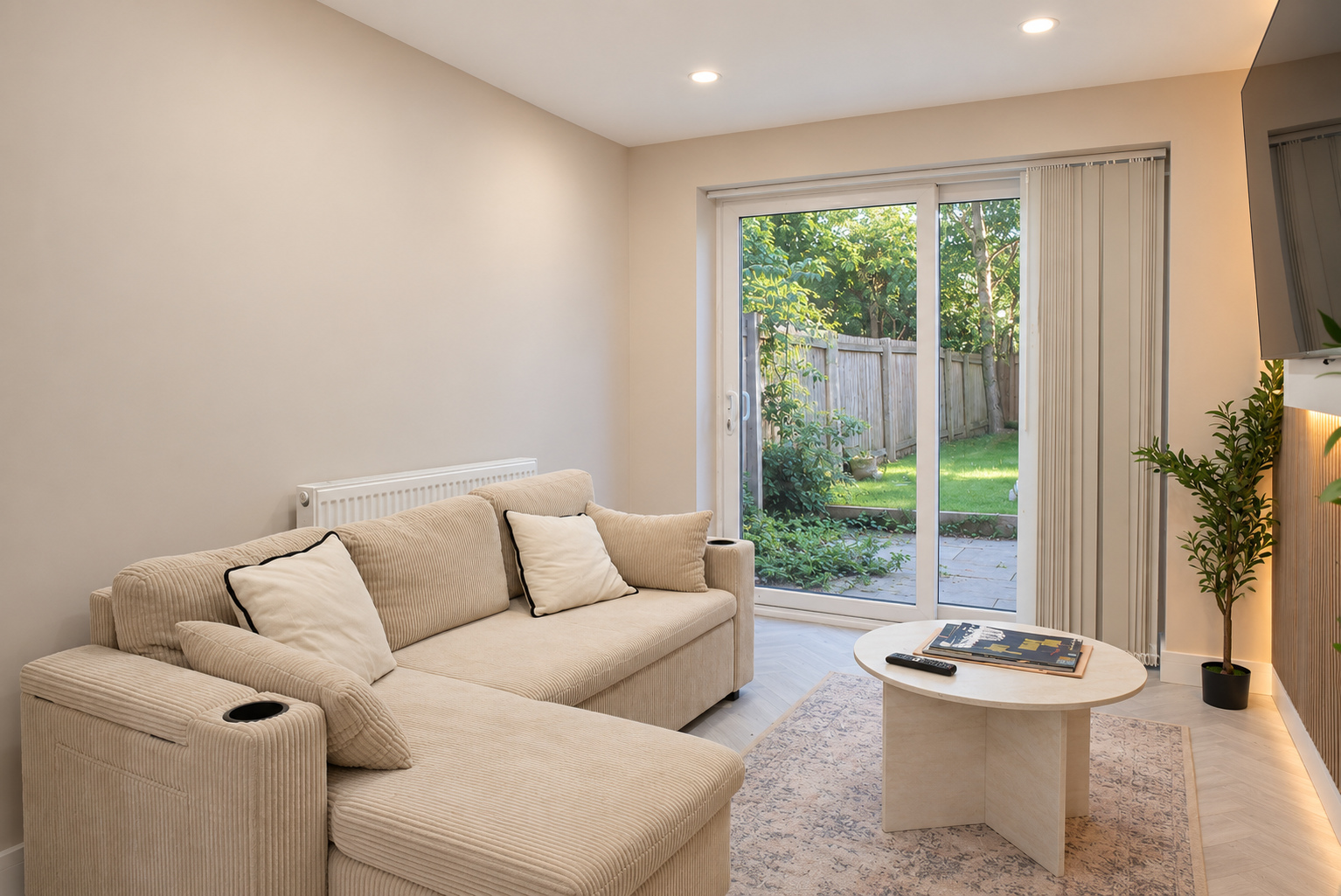

- Prepare before launch
- Start with a complete, accurate picture of the stay.
- Refresh the real gaps
- Existing listings can improve their room coverage and captions.
- Measure honestly
- Track changes without promising a ranking or earnings uplift.
In this guide
Your photographs should help a guest understand the stay before they book. What do the bedrooms look like? How does the living space connect? Is the outdoor area private? Can they see the feature that made them stop scrolling?
If you are preparing a new Airbnb in Cardiff, we recommend arranging the photographs before publishing. That gives you a complete set to build the listing around. If your property is already live, you can improve its presentation now.
What Airbnb says about photos and search
Airbnb says its search results consider quality, popularity, price and location. Photographs form part of listing quality, while guest engagement also matters. Results are personalised, so a position you see in your own search is not a universal rank. Airbnb also says its system helps recently activated listings appear well in search. It does not give hosts a fixed ranking guarantee or a published two-to-four-week countdown in this explanation. Airbnb: how search results work.
Our recommendation is straightforward: make the listing useful from its first day. Photography belongs alongside accurate details, sensible availability and a price that fits the stay. A polished gallery cannot compensate for dates guests cannot book or facilities the property does not have.
Before your first listing goes live
Prepare the property as guests will receive it. Finish outstanding decoration, make the beds with the linen you will provide and put the actual furniture in place. Include the spaces a guest can use and agree which features deserve a closer view.
Build your shot list around the stay. Bedrooms need to show sleeping arrangements. A kitchen should show the space guests can cook in. Outdoor areas need enough context to explain privacy and access. For a Cardiff flat with parking, confirm whether the space is dedicated, shared or paid before describing it.
Keep a factual listing checklist beside the photographs: beds, bathrooms, access, parking, working amenities and any restrictions that would affect a booking. Airbnb recommends using the title, description, amenities and room details together to explain the property. Airbnb: setting up an effective listing page.
Read the finished draft as a guest. Can you tell what you will get without messaging the host? Preview it on your phone, check the photographs against the room descriptions, and confirm the dates you are ready to accept.
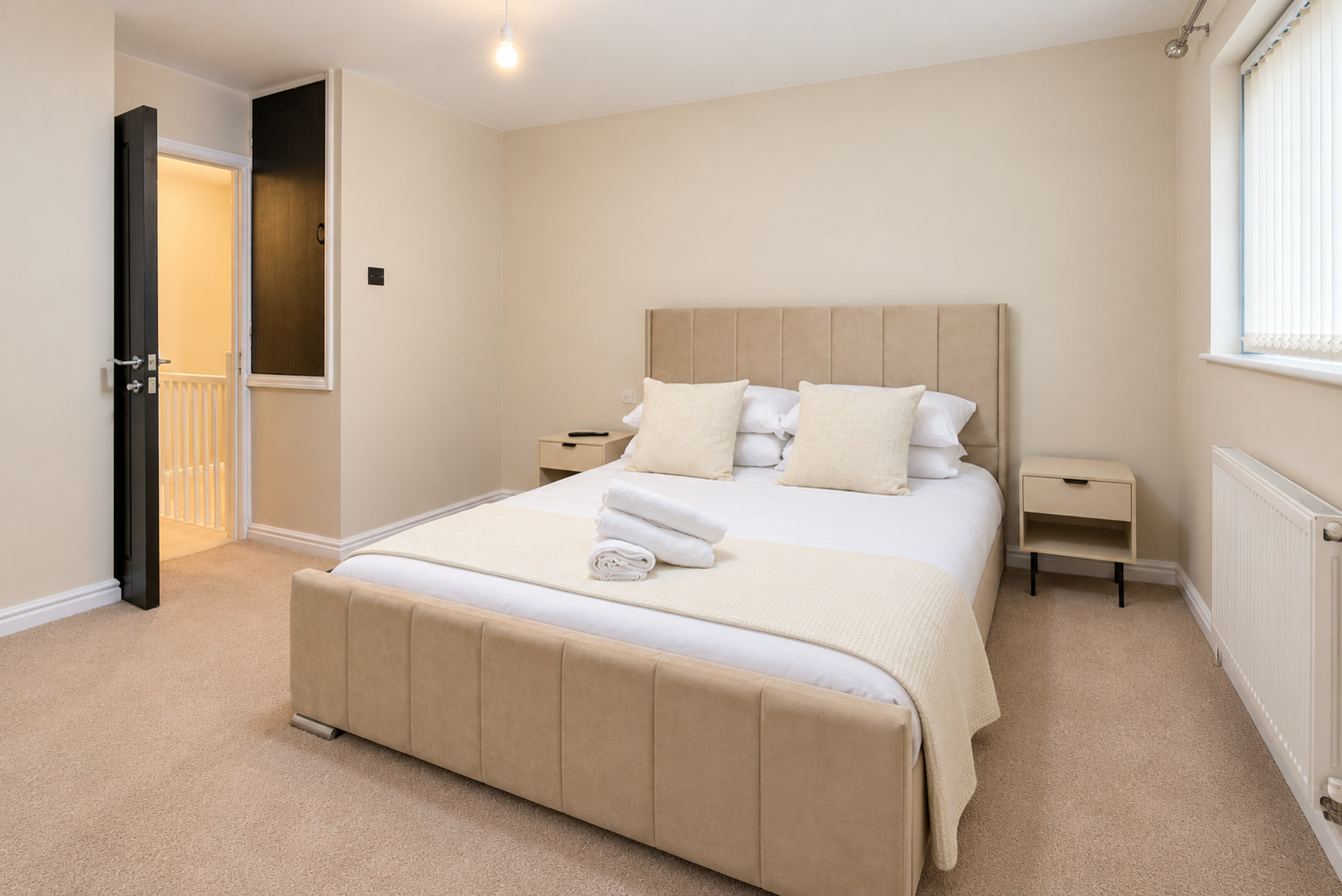
Already listed? Start with what is unclear
A live listing can be refreshed. Start with the questions guests repeatedly ask and compare them with what the listing shows. If people ask how the bedrooms connect, another decorative close-up is unlikely to answer them. If the property has changed, replace the outdated photograph.
We suggest reviewing the full path from search preview to booking. Check the lead image, the room coverage, the total stay price and the dates available. Make a short list of the changes you can verify, then deal with the clearest gaps first.
If you cannot find a new listing at all, check that it is published and available for your chosen dates. Airbnb says listings are usually visible within 24 hours, although some can take up to 72 hours. Matching filters and calendar restrictions also affect whether it appears. Airbnb: confirm that guests can find your listing.
Choose photographs that explain the place
Choose a cover that communicates a real reason to stay. That might be the main living space, an outdoor feature or a distinctive bedroom. Then organise the gallery so guests can understand the accommodation rather than repeatedly seeing similar views.
Airbnb recommends horizontal, high-resolution photographs of at least 1200 × 800 pixels. Its guidance allows brightness adjustments, straightening and cropping, and notes that phone cameras can produce useful listing images. The quality of the result matters more to the guest than a camera label. Airbnb: taking listing photographs.
Use captions for information a photograph cannot settle. Explain which bedroom is upstairs, whether a terrace is shared or how many people the dining table seats. Keep those details specific and checked.
Add visual descriptions too. These help people who use screen readers or cannot load the images. Airbnb advises describing what is visibly present, objectively and briefly. Airbnb: visual descriptions for listing photos.
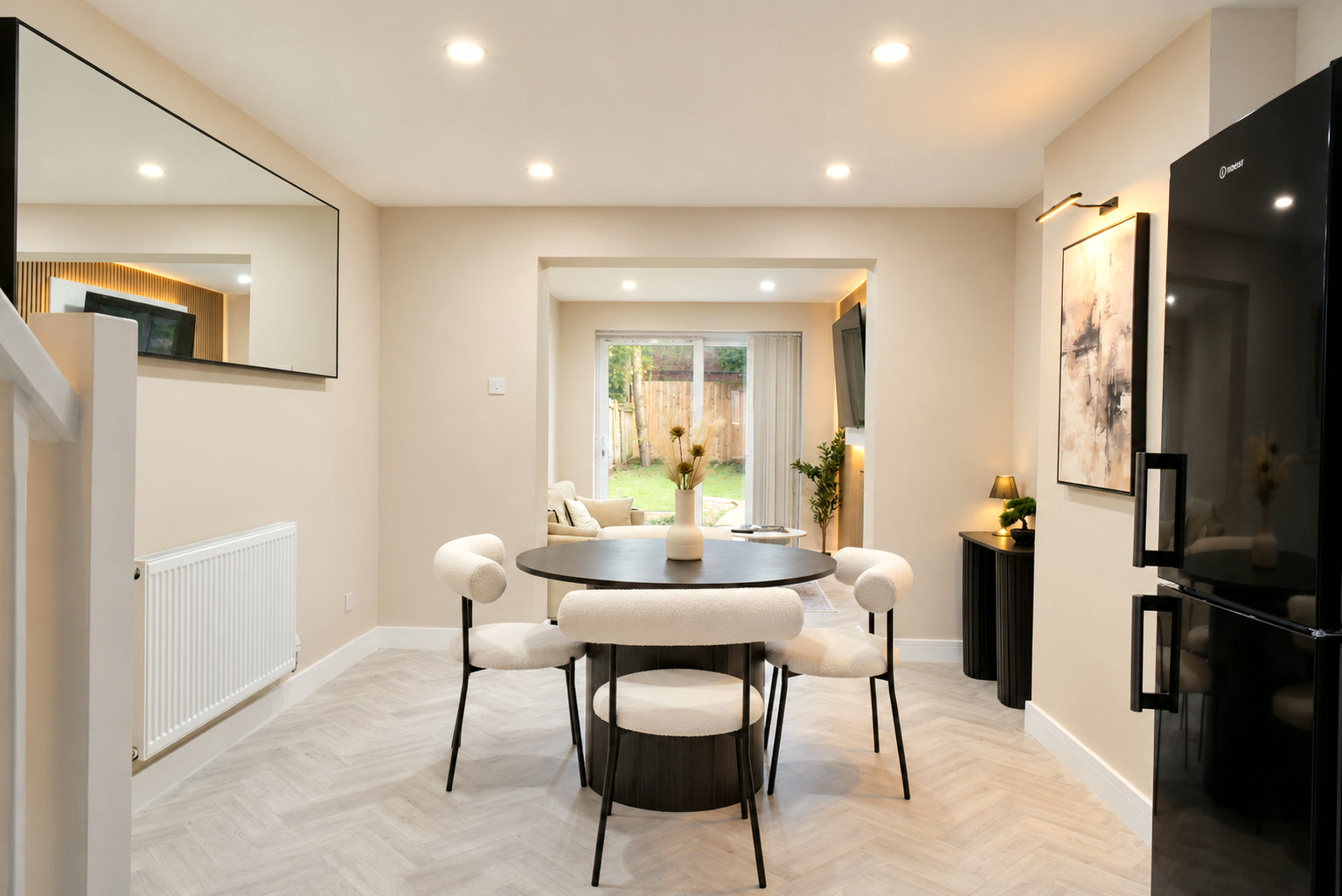
Keep the finished photographs accurate
Good finishing helps people see the real property clearly. It should not turn an unavailable amenity into a feature or hide a limitation that will affect the stay. A furnished concept is not a photograph of the accommodation guests can currently book.
Check every delivered image against the property before uploading it. If the room has since changed, update the listing. Airbnb requires listing information and photographs to remain accurate and current. Airbnb: listing responsibilities.
What an Airbnb floor-plan scan adds
A floor plan can help explain how the spaces fit together. Airbnb describes a compatible-device scan that becomes a floor plan within the listing. After submission, its published processing estimate is 24–48 hours; the host can review and edit the result before showing it to guests. This is different from buying a separately hosted virtual tour or a measured survey. Airbnb: scanning a floor plan.
Check the feature and capture requirements before arranging a scan. A photography booking does not by itself establish scan availability or give you a downloadable model.
Measure the refresh without inventing an uplift
Record when you changed the listing and keep the previous version. Note which photographs, captions or details changed, alongside price, available nights and minimum-stay rules. Those other changes can affect the result too.
Compare the listing insights your account provides over useful periods. Look for whether more people view the property and whether those views become enquiries or bookings. A busier Cardiff event weekend cannot, by itself, prove that a new cover photograph caused the improvement.
The practical goal is a listing that answers guests' questions and accurately represents the stay. We photograph Cardiff properties and finish the set for your chosen listing channels, with scope and delivery agreed before the shoot. Direct bookings are with LUMORIA; they are separate from Airbnb's own photography programme.